 Caspian VS Code extension GitHub issue
vibecode
{"vibecode": {
    "doc": "vscode_extension_requirements",
    "role": "requirements for the Caspian VS Code extension — scope of what ships in V1, what's explicitly deferred, what's optional. Implementation lives in the caspian-vscode repo; this doc is the canonical 'what we want it to do'.",
    "codename": "Molly",
    "implementation_repo": "https://github.com/mikosullivan/caspian-vscode",
    "v1_install_dependency": "none — extension works standalone with zero Caspian install",
    "key_concepts": ["thin_client_no_lsp_in_v1", "static_hover_via_lookup_table",
        "zero_caspian_install_required",
        "works_offline_works_remote_works_anywhere"]
}}
The Caspian VS Code extension provides a useful editing experience for .casp files without requiring any Caspian install on the user's machine. That constraint is the single most important framing decision: every feature in scope has to work standalone, and nothing in V1 depends on the Caspian toolchain being present.
Implementation lives in the caspian-vscode repository — this doc is the requirements that repo implements against.
V1 scope GitHub issue
Everything in this section works with zero Caspian install required. The extension is a self-contained VS Code add-on; the user installs it from the marketplace, opens a .casp file, and the features below light up immediately.
Syntax highlighting GitHub issue
A TextMate grammar describing Caspian's token types: keywords, variables ($foo), instance vars (@foo), sigils (%role, %call, etc.), strings, numbers, comments (#), method calls ($foo.bar), class references (puck.uno/foo), and operators. The grammar maps tokens to standard scope names so any VS Code theme — light or dark — colors Caspian code automatically.
The color palette per token type follows the dark+ scheme documented in the VS Code screenshot skill (which itself was drawn from the canonical TextMate / Dark+ palette).
Embedded syntax highlighting for type-tagged heredocs. Caspian's heredoc syntax supports an optional type hint — <<EOF('json'), <<"EOF"('markdown'), etc. The Caspian engine itself silently ignores the hint — the string at runtime is exactly the heredoc body, with no attached type metadata and no engine-level validation of the content. The tag exists solely for tooling like this extension. The grammar matches the heredoc opener with its tag, then applies the corresponding TextMate scope to the body. Supported type tags and their scope mappings:
| Type tag | TextMate scope | Source |
|---|---|---|
json |
source.json |
built into VS Code |
yaml |
source.yaml |
built into VS Code |
markdown |
text.html.markdown |
built into VS Code |
html |
text.html.basic |
built into VS Code |
css |
source.css |
built into VS Code |
xml |
text.xml |
built into VS Code |
sql |
source.sql |
built into VS Code |
regex |
source.regexp |
built into VS Code |
caspian |
source.casp |
provided by this extension |
Unknown type tags fall through to plain-text treatment in the heredoc body. The supported list is curated in the extension's grammar file — adding more types is a small grammar update.
%vibecode special case. A heredoc opened by %vibecode <<EOF (with no explicit type tag) is treated as if it carried ('json'). The grammar has one extra rule for this case because vibecode bodies are always JSON by convention.
Static hover for keywords and %-surfaces GitHub issue
When the user hovers over a Caspian keyword (function, closure, class, if, else, end, for, do, return, etc.) or a system surface (%role, %call, %puck, %bucket, %chain, %engine, %tmp, etc.), VS Code shows a tooltip with:
- Token name + kind ("keyword", "system surface")
- 2–4 line description
- Link to the canonical puck.uno docs for that construct
The extension implements this via a hardcoded lookup table — a JSON file shipped with the extension mapping each token to its description and doc URL. No parsing, no Caspian install, no network calls. The hover provider reads the cursor's token, hashes into the table, returns the result.
The source of truth for the lookup data is language-reference.json in this repo. The caspian-vscode repo copies or syncs that file into its bundle at build time; when descriptions are refined here, the extension picks up the changes on its next release. Single source of truth, no drift between docs and editor hover.
Coverage targets every keyword the lexer recognizes and every %-prefixed system surface listed in syntax/system-methods.md. The starter seed in language-reference.json covers the most common ~20 keywords and ~9 system surfaces; expand as gaps are noticed.
Language configuration GitHub issue
A language-configuration.json file in the extension tells VS Code about Caspian's syntactic conventions. The V1 settings:
- Comment markers.
#is the line-comment marker. Ctrl+/ toggles comments accordingly. - Bracket pairs.
(,[,{paired with their closers for bracket-matching highlights. - Auto-closing pairs. Typing
',",(,[,{auto-inserts the closing character. - Auto-surrounding pairs. Selecting text and typing
(wraps the selection. - Word pattern. Sigil-prefixed tokens (
$foo,@foo,%foo) count as single "words" for double-click selection. - Indent rules (regex-based). After
do,if,else,class,function,for,while→ next line indents one level. Afterend→ dedent. Limited but useful — covers the common block-structure cases without needing parsing. - Folding by indentation. Lets users collapse blocks based on indentation alone. Works for
do...endblocks without explicit folding markers.
Custom file icon GitHub issue
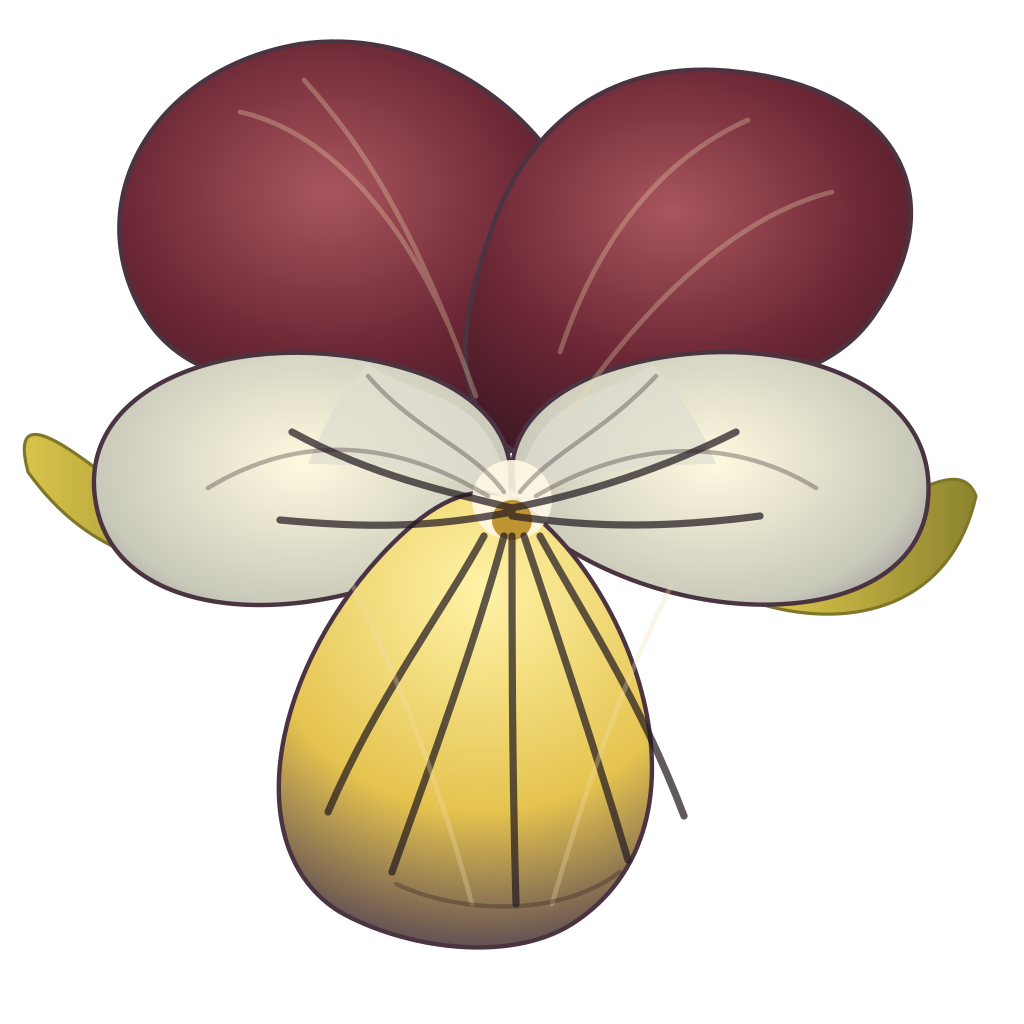
.casp files get a custom icon in the VS Code file explorer, distinguishing them from other files at a glance. The icon is the Puck flower mark — a simplified vector pansy (love-in-idleness), already established as Puck's brand mark. Lives at graphics/flower/icon.svg; the caspian-vscode repo references it (or copies it) and ships it with the extension.
The same mark serves as the marketplace icon at 128×128 (rasterized from the SVG). The icon's design tolerates both scales: at 128 px the petal shapes and dark veining read clearly; at 16 px the silhouette and color zones still register as a flower.
Command palette entries GitHub issue
The extension contributes a few entries to the VS Code command palette (Ctrl+Shift+P):
- "Caspian: Open docs for selection" — takes the currently-selected token (or word at cursor if no selection), maps it to its canonical puck.uno docs URL, opens in the default browser.
- "Caspian: Insert vibecode header" — inserts a
%vibecodeheredoc template at the cursor position. - "Caspian: Open puck.uno" — opens the main puck.uno landing page in the default browser.
These are convenience commands; each one is ~5–10 lines of extension code.
Out of scope GitHub issue
These are deliberately out of scope. Anything needing real parsing of the user's source belongs in the future LSP, not in the extension.
- Live diagnostics (red/yellow squiggles for syntax errors). Needs parsing.
- Go-to-definition. Needs parsing + symbol table.
- In-scope completion (suggesting
$foobecause it's a variable in scope). Needs parsing. - Find all references / rename symbol. Needs cross-file analysis.
- Hover for variables, methods, classes (showing inferred type or definition site). Needs parsing.
- Document outline / "Go to symbol in file." Needs parsing.
- Signature help, inlay hints, semantic tokens, code actions. All need parsing.
- Anything requiring
caspian lspto be installed or running.
When the LSP work eventually resumes (post-V1), these features land via the LSP subprocess. Until then, the extension stays parsing-free.
Relationship to other Puck projects GitHub issue
- caspian-vscode repo — where the implementation lives. Has its own build, package, marketplace-publish flow.
- ideas/lsp/ — the deferred LSP spec. Post-V1, the extension grows an LSP client that talks to
caspian lspfor the features in the Out of scope section above. - skills/vs-code-screenshot/ — the skill for generating SVG depictions of VS Code (used in this doc set when illustrating editor features).
- caspian-vscode marketplace listing — eventual publishing target. Marketplace metadata (description, icon, screenshots) is managed in the caspian-vscode repo.
Why no LSP in V1 GitHub issue
A full LSP (caspian lsp subprocess, real parsing, live diagnostics, go-to-definition, completion based on in-scope variables) would require every user of the extension to install Caspian locally. That conflicts with two goals:
- First-contact strategy. A new developer evaluating Caspian should get useful tooling immediately, not after installing a runtime.
- Remote development. Many developers (including Miko) work via VS Code Remote-SSH against machines that may not have Caspian installed. Requiring local Caspian breaks that workflow.
The LSP spec and build plan are preserved at ideas/lsp/ and ideas/lsp-build/ for when the work eventually resumes. See also v1/caspian/decisions.md for the deferral record.
Ideas GitHub issue
Features that have been considered for the extension but deferred from V1.0. Captured here so the thinking isn't lost when the extension grows past its initial scope.
Optional caspian fmt integration GitHub issue
If caspian is on the user's $PATH, "Format Document" (Shift+Alt+F) could shell out to caspian fmt, pipe the file content in, read the formatted text from stdout, and replace the document. Same output as running caspian fmt myfile.casp in a terminal. If caspian is not on $PATH, the command would be hidden from the Format Document menu.
Deferred from V1.0 to keep the extension purely install-free: a "sometimes available, sometimes not" feature complicates the UX promise. Revisit once the Caspian install story is robust enough that "is Caspian on PATH?" is a question worth asking the user's machine.
When this lands, one detail to resolve: detection mechanism. which caspian is fine on POSIX, but VS Code on Windows needs a different probe (probably where caspian or VS Code's findExecutable helper).
Status bar item GitHub issue
A small status-bar segment that shows the detected Caspian state:
Caspian: ready(with a small icon) —caspianbinary found on PATHCaspian: not installed(clickable, opens install instructions) — binary not found- Hidden — user disabled the segment in settings
Same deferral logic as the Format Document integration — only meaningful once we're advertising Caspian-install-awareness as a feature.
Walkthrough / Getting Started GitHub issue
VS Code's built-in walkthrough mechanism (contributes.walkthroughs) shows an interactive Getting Started panel on first activation. The Caspian walkthrough would have 3–4 panels covering: what Caspian is, the puck.uno docs link, how to use the "Open docs for selection" command and hover-on-sigils to learn the language, and where to ask questions. Pure data; no execution.
Deferred from V1.0 because the panel content depends on knowing what story we want to tell new users — and that story is still settling. Premature walkthrough content tends to read as "here are some words because the field needed to be filled." Revisit once Caspian's positioning is clearer and we know which 3–4 things a brand-new user most needs pointed at.
When this lands, panel content authoring is a Miko + Claude sit-down.
Snippets GitHub issue
A library of code-template snippets the user expands by typing a trigger word and pressing Tab. Candidate set when this lands:
function→function &name($args)\n ...\nendclosure→closure() do($args)\n ...\nendclass→class\n ...\nendif,ife(if/else),ifeif(if/elsif/else) → matching block scaffoldsfor,while,loop→ loop scaffoldsdo→do ... endblockvibecode→%vibecodeheredoc template (minified JSON body soft-wrapped at 90 columns, per the convention used throughout the docs)
Snippets would live in .code-snippets files shipped with the extension. Adding more is cheap once the mechanism is in place.